AI-first nutrition tracking for real meals.

Take a video. Aretic does the rest.

Start with a video, photo, voice note, upload, or short message. Aretic turns the context into a calorie and macro estimate you can review, correct, and keep aligned with your day.

Meal tracking without the logging ritual. More context in, clearer estimates out, and one calm daily view.

Aretic proof point
Capture in seconds
Aretic proof point
Better portion context
Aretic proof point
Built for real meals
Aretic proof point
Plain-language changes
Aretic proof point
Workout context
Aretic proof point
After-photo updates
Aretic proof point
One calm day
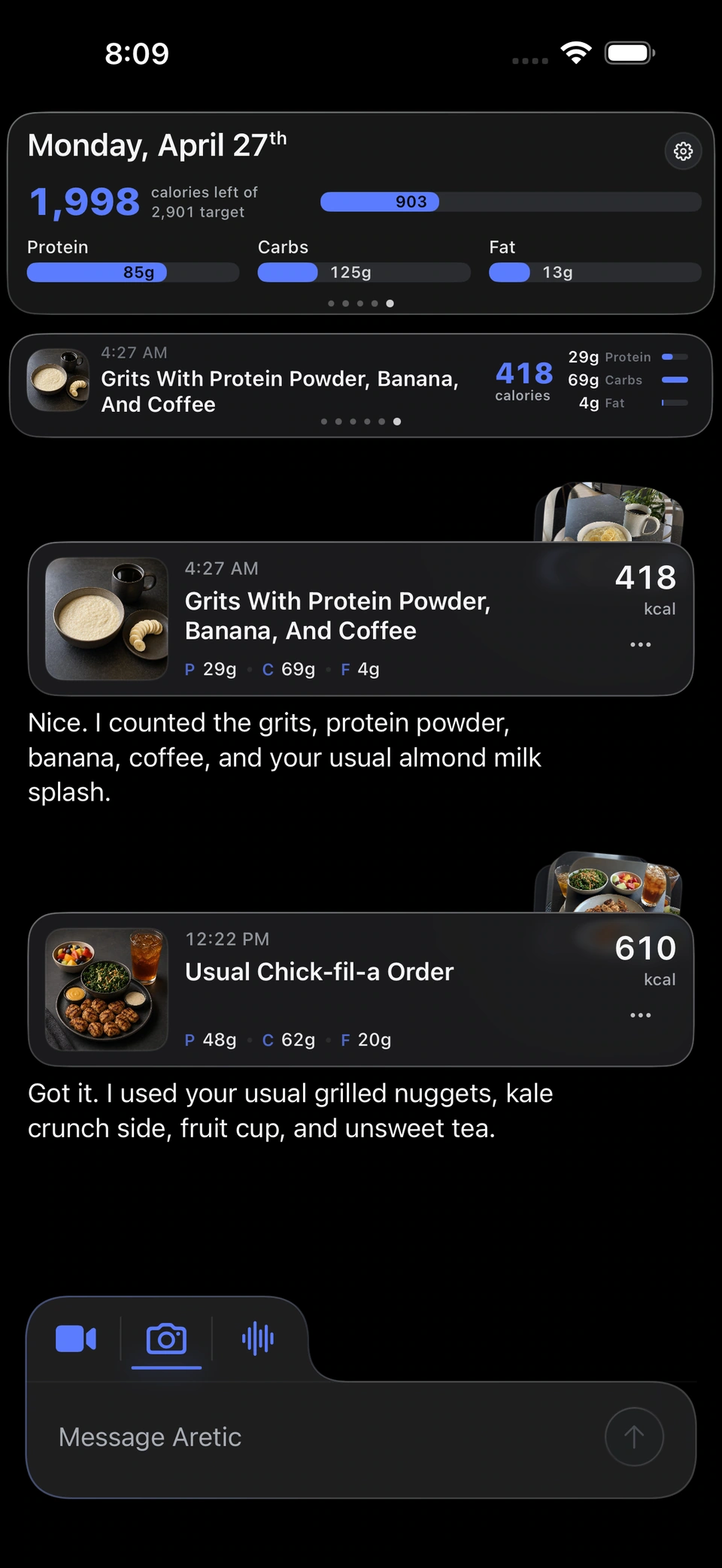
Aretic iPhone screen showing the chat composer for fast meal capture

Seven reasons tracking can feel lighter.

Capture in seconds

Video, photo, upload, voice, and text are all valid starting points.

Better portion context

Supported captures can use depth-aware and familiar scale cues.

Built for real meals

Aretic starts from the meal instead of a barcode ritual.

Ask and adjust

Correct meals, record usuals, and adjust targets in plain language.

Workouts fit the day

Apple Health and manually added activity can stay in the same view.

After-photo updates

Update the meal when the plate does not match the plan.

One calm day

Meals, workouts, targets, and context stay in one focused view.

How it works

Capture the meal. Keep the day clear.

Aretic keeps the loop simple: show the meal, review the estimate, correct what changed, and move on without rebuilding the log manually.

Aretic iPhone screen showing the chat composer for fast meal capture
Record a short video, take a photo, upload an image, dictate a note, or type a line. Use the fastest input for the moment.
Aretic iPhone screen showing the chat composer for fast meal capture

Capture in seconds

Rapid video, photo, voice, upload, or text logging.

Start with the fastest input for the moment. Record a short video, take a photo, upload an image, dictate a note, or type what you ate.

  • Take a quick video when a meal needs angles or spoken context.
  • Use a photo, upload, voice note, or short message when that is faster.
  • Keep the capture flow close to the normal chat composer.
See how it works

Better portion context

The hardest part is often size.

Aretic is designed to use more context than a flat photo when the capture supports it, including depth-aware cues on supported devices, visible surfaces, motion, and familiar scale cues.

Depth-aware when available

Supported iPhones and capture conditions can provide depth-aware context for the estimate.

Scale cues when useful

Visible surfaces, motion, and familiar objects can help Aretic reason about size.

Still an estimate

Measurement context supports the record without pretending every capture has the same authority.

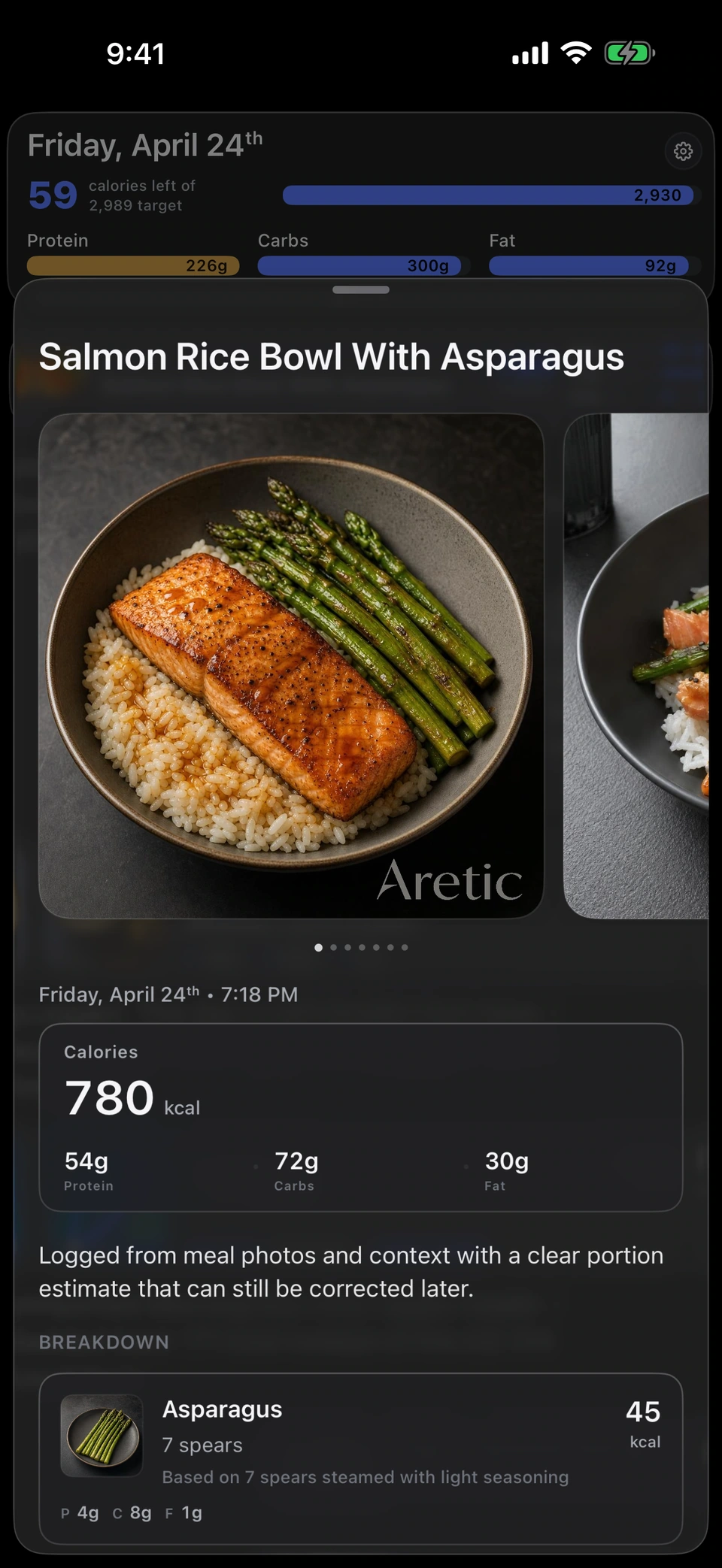
Aretic iPhone screen showing a meal estimate with readable nutrition detail

Built for real meals

No barcodes. More context for real food.

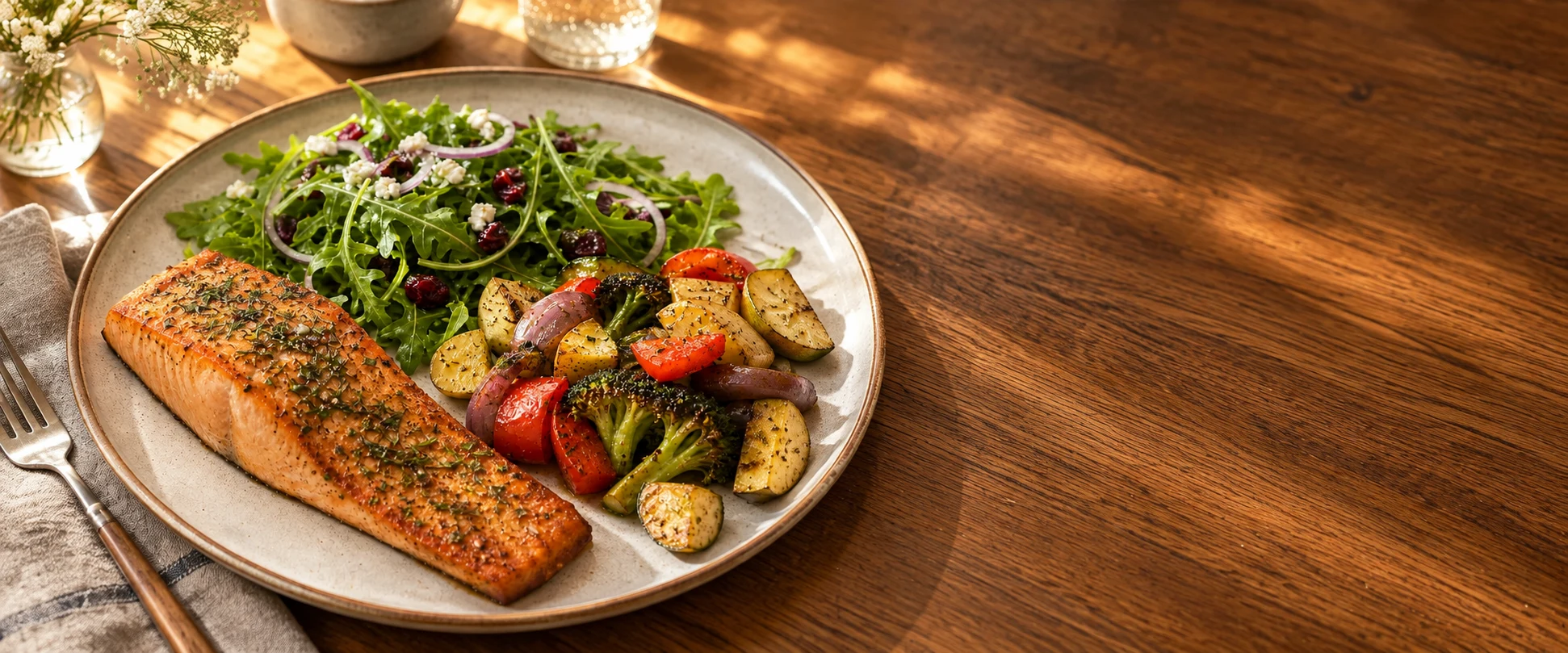
Restaurant plates, mixed bowls, sauces, swaps, and home cooking rarely fit clean database entries. Aretic starts from the meal and uses context with modern AI to build a readable estimate.

Not a barcode ritual

Aretic starts from the meal instead of making you search, scan, select, adjust, and save.

Context over clean entries

Optional notes, public food context, and the capture itself help Aretic handle meals as they are eaten.

Readable output

The result is a calorie and macro estimate you can review before relying on it.

Aretic iPhone screen showing a real meal interpreted into a nutrition estimate
Aretic iPhone screen showing plain-language chat for nutrition tracking

Ask, adjust, and keep going

Corrections and usuals stay natural.

Use plain language to correct a meal, record a usual, adjust a target, or ask what fits the day. Aretic keeps the change tied to the record.

Personal memory

Usual coffees, breakfasts, dressings, and restaurant orders can become easier over time.

Easy changes

"Make that almond milk." "I ate half." "Drop my target a bit."

Same record

Corrections stay tied to the meal instead of creating a messy second log.

Workouts fit the day

Activity can inform the same daily target.

Connect Apple Health when enabled, or add workout context from a screenshot, voice note, or message. Activity can inform the day while staying editable.

  • Bring in Apple Health workout context when connected.
  • Add activity from a screenshot, voice note, or message.
  • Keep food and activity in one editable daily view.
Aretic iPhone screen showing workout context inside the daily nutrition view

Update what you ate

After-photo updates keep the meal clean.

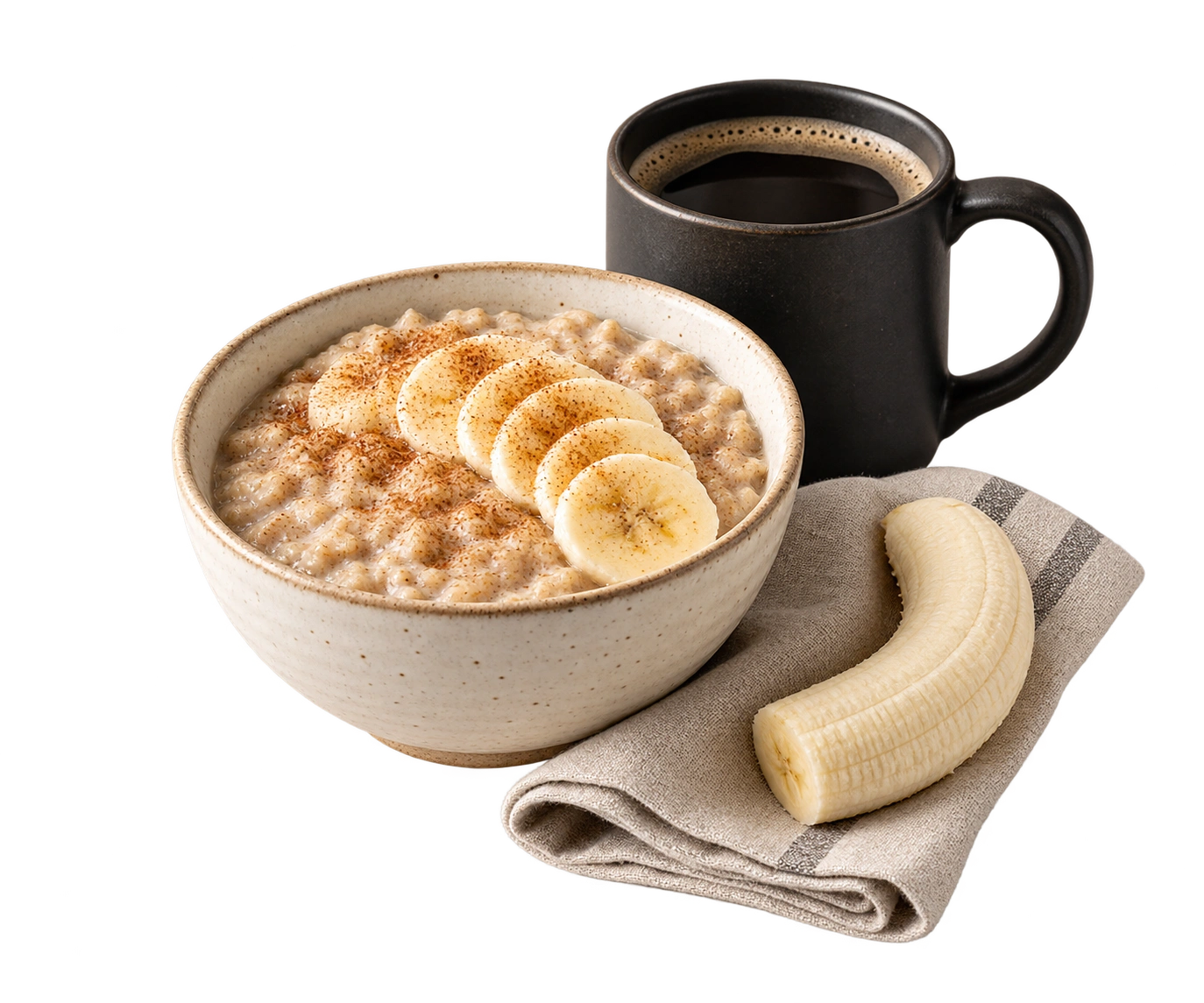
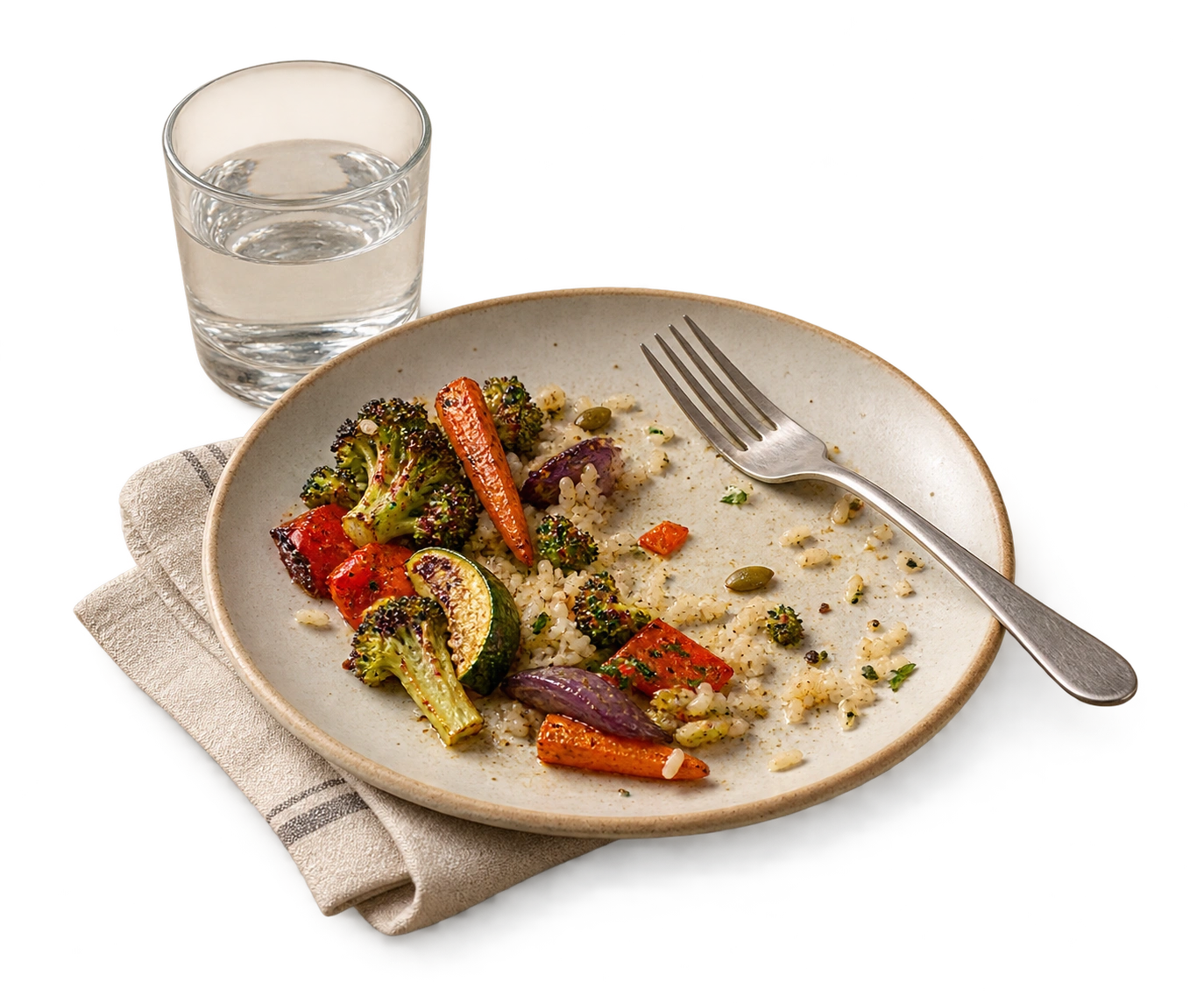
Did not finish the plate? Add an after photo or say what changed so the existing meal can better reflect what you actually ate.

  • Add an after photo when you ate less than planned.
  • Update the same meal instead of relogging from scratch.
  • Keep leftovers and corrections part of the normal flow.
Aretic iPhone screen showing an after-photo update for what was actually eaten
Aretic iPhone screen showing the calm daily nutrition view

Why Aretic

A name for excellence in function.

Aretic was built for people who want the benefits of careful nutrition tracking without turning every meal into a manual project. Capture quickly, review clearly, and keep going.

Aretic begins with arete: the classical idea of excellence, virtue, and a thing fulfilling its purpose well. The name carries that meaning without turning the product into a philosophy lesson.

The -ic ending makes it operational: of excellence, relating to performance, built to do the job properly. It gives the name a technical shape, closer to words like analytic or systemic than to an abstract ideal.

For Aretic, that means turning messy real meals into a clear, editable nutrition record. Capture what is actually there, use the context carefully, and keep the day readable enough to trust and correct.

  • Aretic is intentionally narrow because the food record has to stay easy to keep.
  • The day view stays focused on meals, workouts, targets, and the context you need.
  • No feeds, leaderboards, or dashboard sprawl.

FAQ

Useful answers, without the marketing fog.

For anything account-specific, contact support.

What is Aretic?

Aretic is an AI-first nutrition tracker for iPhone. It lets you capture a meal quickly and turns the context into a calorie and macro estimate you can review, correct, and keep aligned with your day.

Can I log without typing everything manually?

Yes. Meals can start from a video, photo, upload, voice note, or short message. Aretic turns the context into an estimate you can review.

Why lead with video?

Video can add angles, motion, and spoken context when one flat photo is not enough, especially for restaurant meals, mixed plates, and hard-to-see portions.

Are the estimates exact?

No nutrition estimate is perfect. Aretic is designed to make assumptions visible and corrections easy, so the record can become more trustworthy over time.

How does portion context work?

On supported iPhones and capture conditions, Aretic can use depth-aware context. Other captures may use estimated scale cues when there is enough reliable detail. These cues support the estimate; they do not turn it into a perfect measurement.

Can Aretic remember my usual meals?

Aretic is designed so regular coffees, breakfasts, dressings, snacks, and restaurant choices can become easier to log next time. Memory should help the record, not make the product feel invasive.

Can I update a meal after eating?

Yes, when the after-photo update flow is available. You can add an after photo or correct the meal in plain language so the entry better reflects what you actually ate.

Does Aretic use Apple Health?

When connected and enabled, Aretic can use workout context from Apple Health. Activity context is treated cautiously and remains editable.

Is Aretic medical advice?

No. Aretic is a personal tracking tool. It is not medical advice, clinical nutrition care, or a substitute for a professional.

Download Aretic

Start with the next meal.

Take a video, review the estimate, and correct the day naturally. Aretic is built for iPhone and designed to make tracking feel like capture, not data entry.